Mobile Browser Support
Chrome, Safari and Edge on current Android and iOS versions all carry the full 33gdb layout — older or non-standard browsers may not render live table streams correctly.
The 33gdb app brings your full account — live tables, slots, and the sportsbook — straight to your phone screen without losing anything from the desktop view.

Before you open the lobby on a new phone or tablet, run through this short checklist — it saves a frustrating session of a game that loads halfway or a login page that does not respond.
Chrome, Safari and Edge on current Android and iOS versions all carry the full 33gdb layout — older or non-standard browsers may not render live table streams correctly.
The interface adapts automatically from compact phones to tablets. Live casino tables, the slot grid and the sportsbook betslip each reformat without you adjusting anything.
You need an active 33gdb account with a verified wallet to access the full lobby on mobile — the same credentials work across every device without re-registration.
For the exact list of confirmed devices and OS versions, check the Help section inside your account — the list is updated whenever a new build or compatibility patch is released.
Whether a native Android or iOS build is currently offered depends on your region and local eligibility — the site will show the correct option when you visit from your device.
The 33gdb app is shaped around speed and ease of access — here are four things that make a real difference when you're mid-session or switching between cricket betting and a quick slot round.
Set up fingerprint or face unlock once and your account opens in seconds on every return visit — no PIN typing, no delay before the lobby loads.
Opt in to match alerts and you'll know the moment a BPL cricket market or a high-cap slot feature round becomes active on your account.
Switch the interface to dark mode from account settings — easier on the eyes during late sessions and keeps the live table stream colours accurate on AMOLED screens.
Browse the game lobby and check the sportsbook schedule even on a weak connection — the app caches category and fixture data so nothing is blank while you wait for signal.
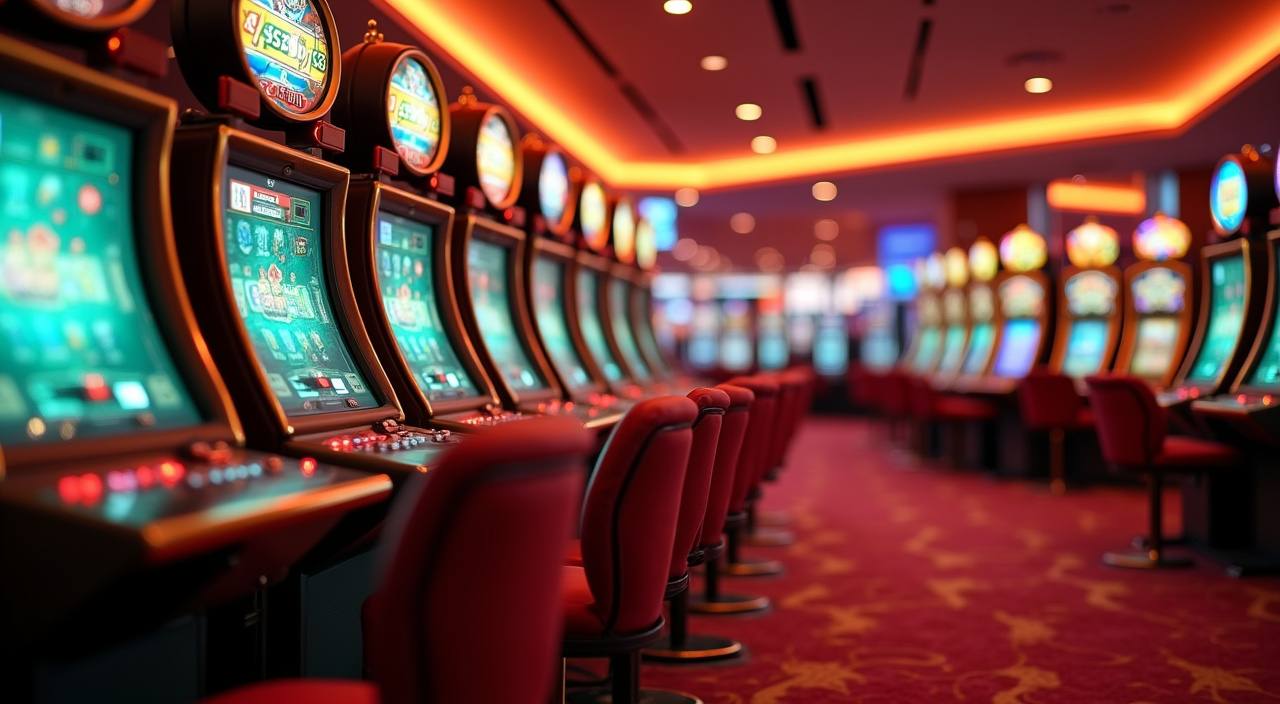
Open the 33gdb app and your lobby loads with live tables — Baccarat Lightning, Blackjack Action, Dragon Tiger — alongside slots from Pragmatic Play and PG Soft, and the sportsbook where cricket markets sit front and centre. Push notifications let you know when a match market opens or a slot feature round triggers. Quick deposit from your account wallet means you can
top up without jumping between apps. Fingerprint login cuts the sign-in step to under two seconds. The layout scales cleanly whether you're on a 5-inch or 6.7-inch screen, so Teen Patti Superwin and Crash Win Builder both play without any layout breaks.

Getting into the 33gdb lobby on your phone does not require a complicated setup. Android and iOS users should first check the current site at 33gdb for any available native build or direct browser shortcut — the download or install path is shown there when a build is live for your region. If a native app is not yet available in your
area, the mobile browser version carries the full account experience. Once you land on the correct site, sign in with your usual credentials or use biometric unlock if you set it up. Your account history, wallet balance, and active sportsbook bets all carry over instantly. Players in Dhaka and other areas can follow the same steps — availability depends on local law
and eligible regions.
Straight answers to what we hear most from people setting up mobile access for the first time.
Service availability depends on eligible regions and local law. Users should check local rules before opening an account.
Access may be available only where local law permits.